

Put your cars in front of monthly renters.
List a car in a few minutes, confirm the requests you want, and let the app handle condition records and payment schedules.
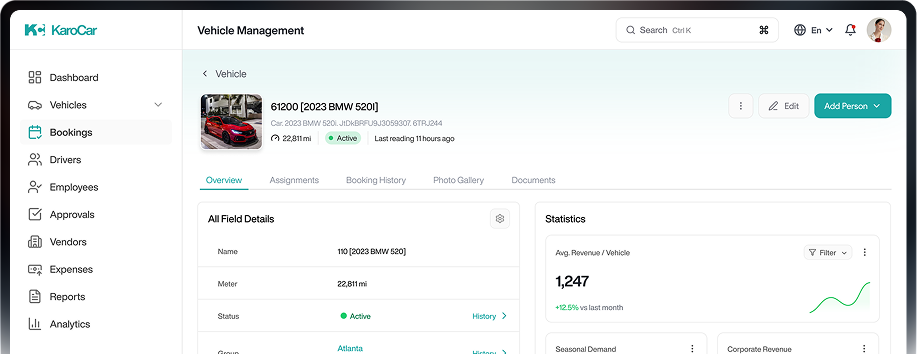
List a car in a few minutes, confirm the requests you want, and let the app handle condition records and payment schedules.
Registration lookup
Type the number plate and we fill in make, model, year and variant. You add photos, notes and a price.
Publish or pause any time
After a car's first approval, toggle it on and off without another review. It re-lists after every return.
Clear payouts
Quotations, invoices and your statement show what has been collected and what's due to you.
From plate number to live listing
Verify your business
Upload your documents in the Vendor panel.
Add a car
Registration lookup, photos, condition notes and a monthly price.
First-time review
KaroCar checks the listing. If something's off, you get the reason.
Go live
Confirm requests, record handovers in the app, get paid.

Verification and handover
happen in the KaroCar app
Scan the code to install. The app uses your camera for the identity check and the condition checklist, and keeps your rental details handy.